How to Search Inside a YouTube Video
Find any word or phrase and jump directly to that moment.
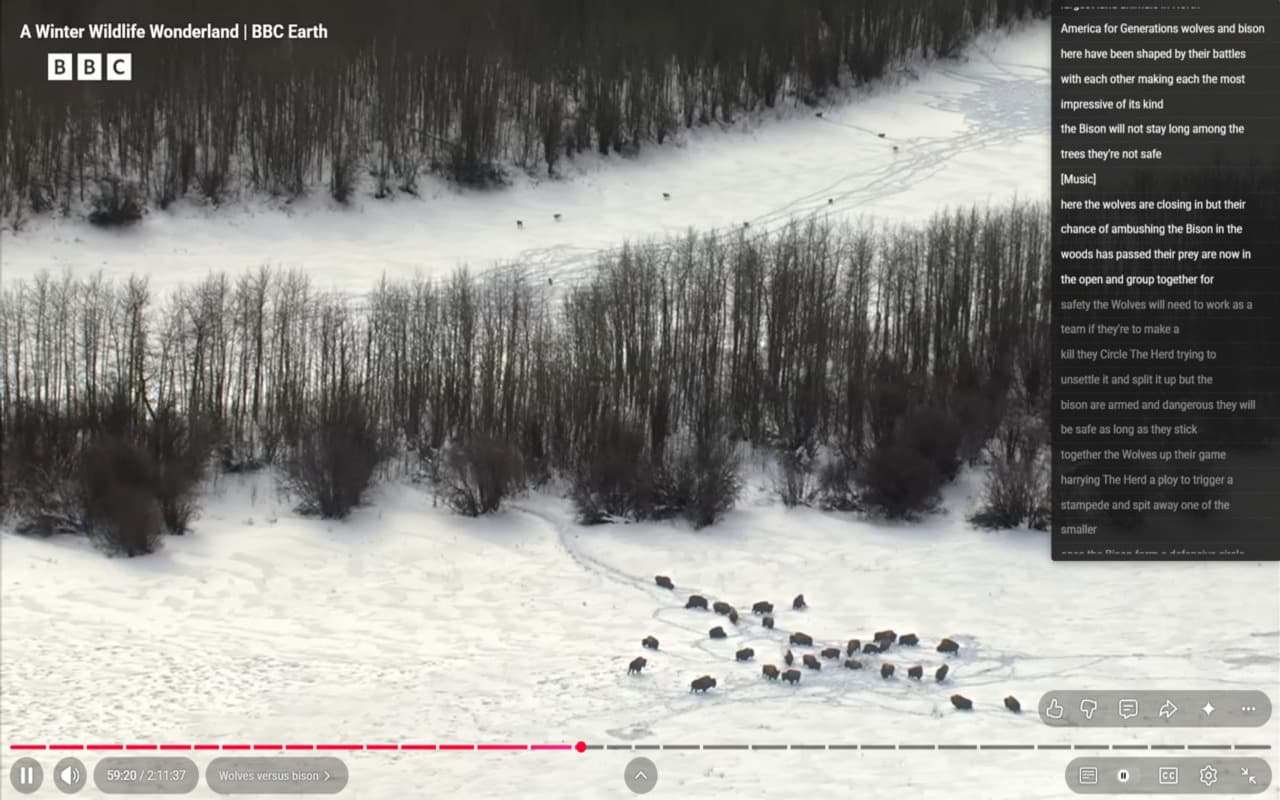
Step-by-Step Guide
Step 1: Install YoutubeMore
Install the free YoutubeMore Chrome extension from the Chrome Web Store.
Step 2: Open a YouTube Video
Navigate to any YouTube video that has captions available.
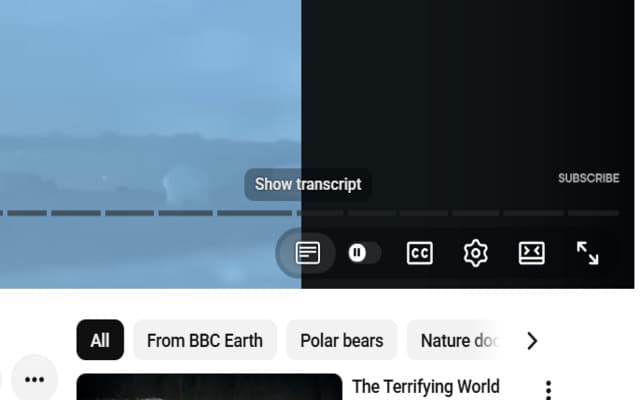
Step 3: Search
Type any word in the search box and jump to matching results.